
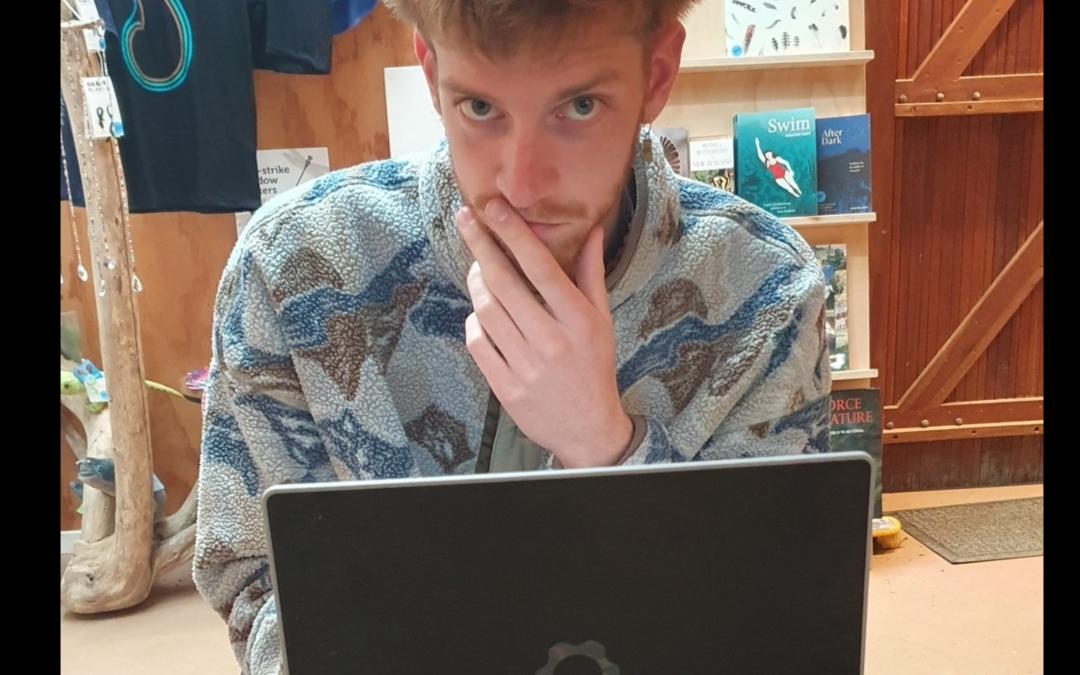
We’re always trying to be as sustainable as possible. For our “Sustainable Wetland Centre” this meant reusing old windows to close the open part of the barn, use factory offcuts insulation in the walls, donated desks (thank you Auckland Museum), office chairs (thank you DOC), and most of the materials for our nursery had a previous life in an orchard.
The dishwasher, fridge, rabbit meat lure freezer are Trademe finds and many volunteers have donated equipment, materials and money towards second hand items. We used a donated refurbished laptop from Deloitte’s for the first couple of years, then my own laptop when it ran out of battery and became a thin desktop, forever on its charger. Not supporting Windows 11 is an issue though, and since it also is too slow to run a presentation, we had to look at another option – hopefully one which can take us through to the next decade.
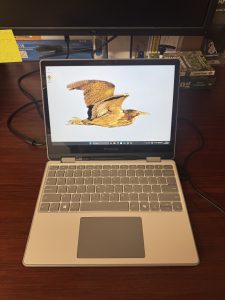
Our fulltime Dutch volunteer Teun not only has an IT degree and a great sustainability ethic, he is also very good at researching the perfect technology for us, Therefore we’re very happy to announce that as of last month, Matuku Link is the proud owner of a new laptop. Not just any old laptop; a Framework Laptop! This is his story about it (and he isn’t even a shareholder):
Remember the good old days when you could screw open your laptop to replace a worn-out part or just to clear out the dust? A few screws, perhaps a little jiggle, and bob’s your uncle. These days, you need a whole arsenal of tools: screwdrivers, a separation tool, a heat gun, and a small crowbar. All of that effort just for the device to break, or at least void the warranty.
That is not only incredibly frustrating and costly, but it is also not very sustainable. Time for a change!
Introducing the Framework computer philosophy: a durable and sustainable way to make technology. Everything from the motherboard down to the trackpad and camera is repairable by consumer hands. It even comes with its very own screwdriver for the only two types of screws it uses (Torx and Phillips). Components can be disconnected by simply unplugging a cable, no soldering required!
Is your PC getting sluggish? Want to upgrade the RAM? No problem! Just get yourself some new RAM and sell the old sticks if you don’t need them anymore. That is not only a money saver, but a planet saver too.
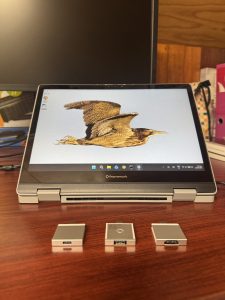
Did I mention it has a touchscreen? Well, it does! And let’s talk about the ports. Most modern PCs come with just two USB-C ports (maybe a third if you’re lucky). If you know what a dongle is, you know exactly what the problem is. Not here. All ports on this computer are removable, swappable, and sit flush with the chassis. I have already helped MacBook users out by swapping in my own HDMI port!
Another anecdote: I once spilled my cappuccino all over the keyboard. Disaster, right? Not quite. I just turned off the laptop, screwed it open, grabbed some paper towels, and left it to dry for 15 minutes. After wiping away the residual coffee, I started it back up. I was back to work within 20 minutes! If you are in the mood for a longer chat or want a hands-on demonstration, send me an email at intern@matukulink.org.nz or check out the Framework website at frame.work.
Ngā mihi, Teun
Team Matuku Link
Recent Comments